How to Request a Theme
If you didn’t find your Shopify theme in Orcai, you’re in the right place. Here’s how to request theme support.
What you’ll need
We need your theme files to make your theme compatible with Orcai. These files contain all the information our team needs to integrate your theme.
How to download your theme files:
If you have an existing Shopify store, follow these steps. If you already have your theme as a zip file, skip to step 5.
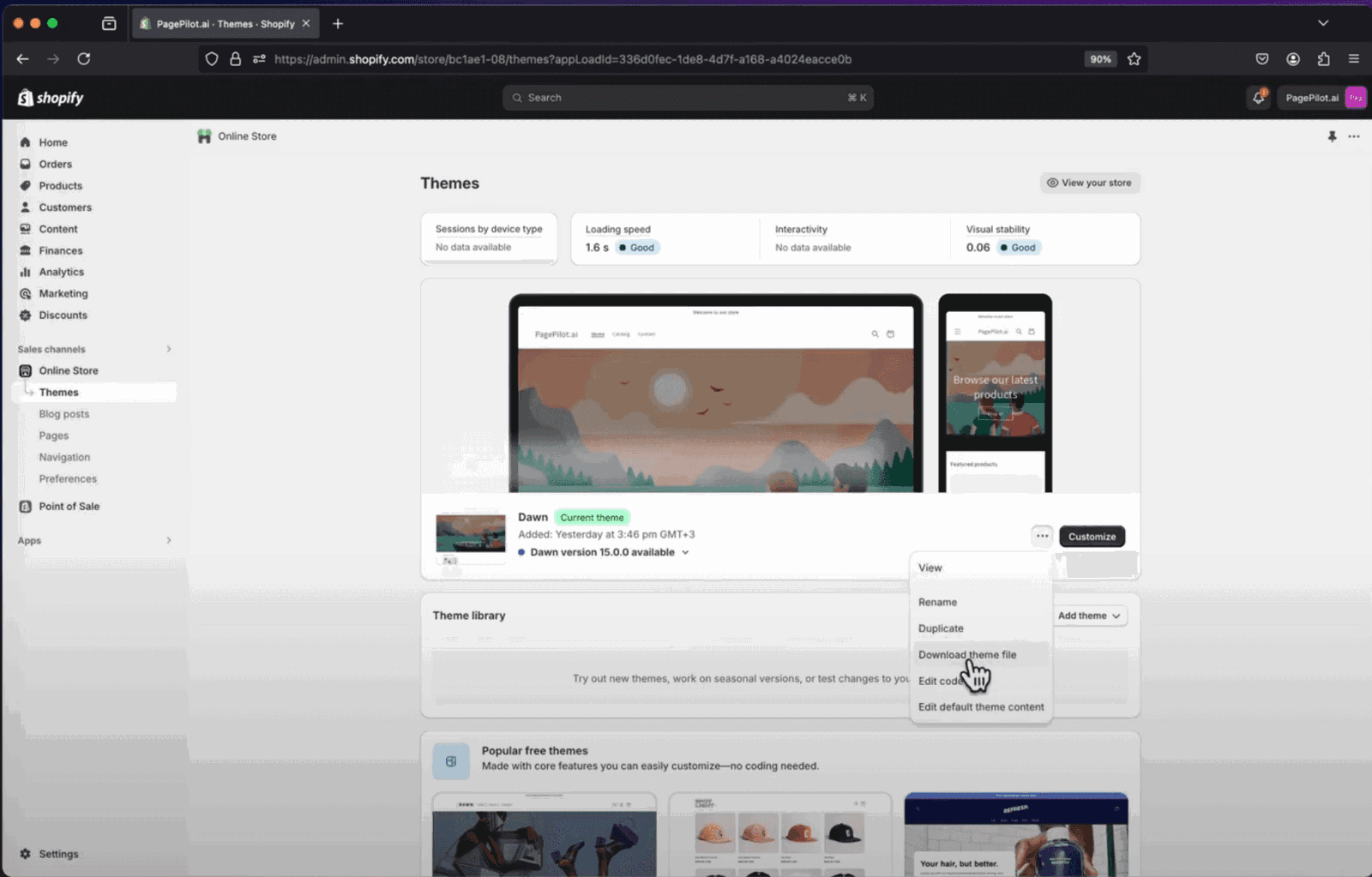
Open your Shopify store and click on Online Store.
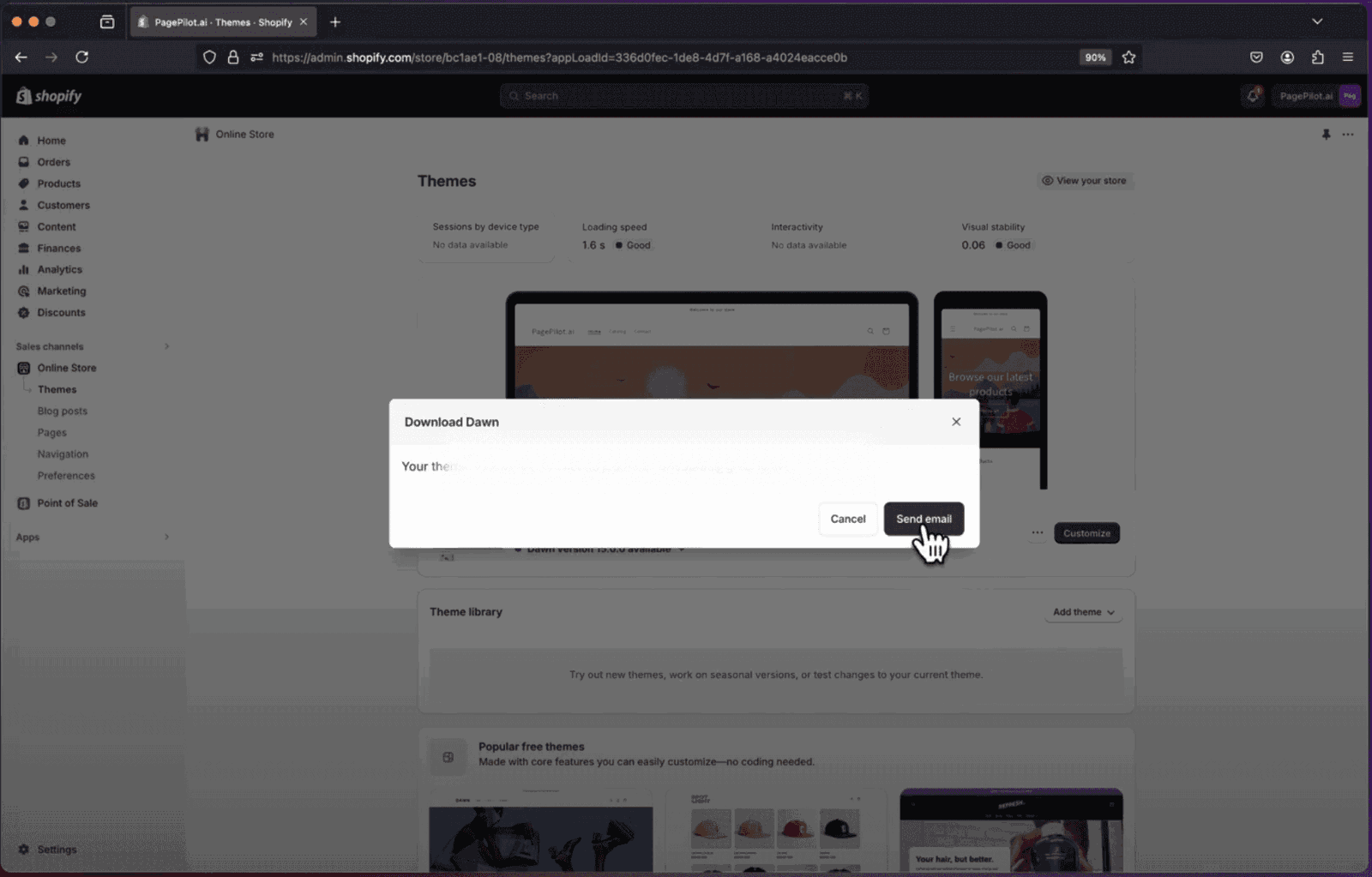
Find your current theme, click the three dots next to Customize, select Download theme file, and confirm by clicking Send email.
Check your email for the theme files, click on Theme export, and confirm the download.
Select all theme files, right-click, and compress them into a zip file.
- Upload the theme by going to the My Store section: https://app.orcai.dev/stores
What happens next
- Our team will review your theme files
- We’ll work on integrating your theme with Orcai
- You’ll be notified when your theme is ready
- You can then import product pages using your theme
Timeline
Theme integration typically takes 2-5 business days, depending on the complexity of your theme.
Need help?
If you have questions about theme requests, contact our support team.
Ready to start? Connect your store and let us know about your theme.