Section Product Information
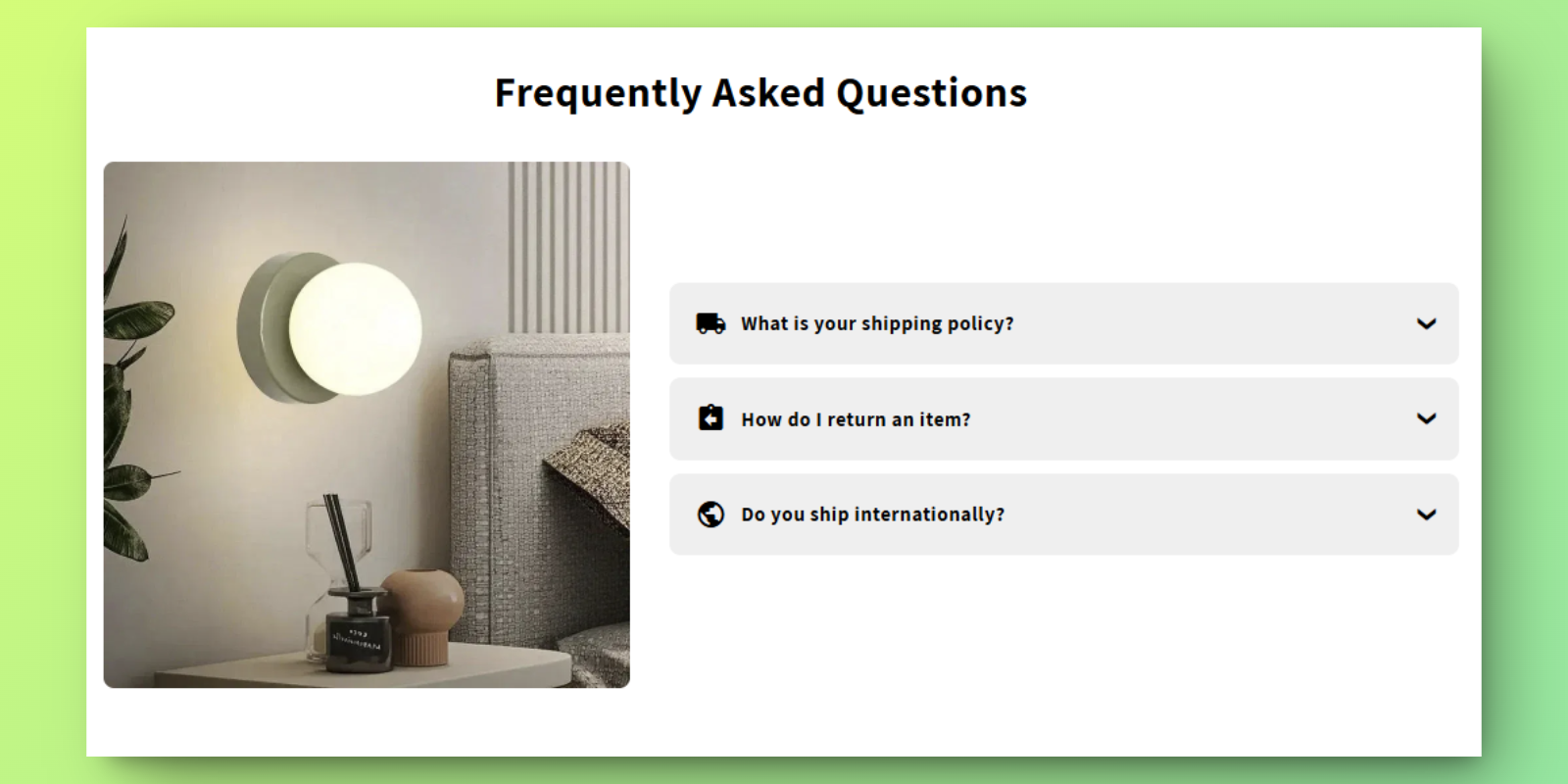
FAQs with Image
Orcai FAQs with Image is a no-code Shopify theme section that combines frequently asked questions with visual imagery. Perfect for products that benefit from visual explanations alongside text-based answers.
Features
- Visual FAQs: Pair questions with supporting images
- Collapsible Format: Clean accordion-style display
- Flexible Layout: Image and text positioning options
- Full Customization: Adjust styling to match your brand
How to Add This Section
Install the Orcai App
- Click the “Add to Store Free” button on the Orcai app page.
- Log in to your Shopify account and connect your store with the Orcai app.
Add the Section to Your Theme
- In your Shopify admin, go to Online Store > Themes.
- Select your primary theme and click Customize.
- Click Add Section and search for “Orcai FAQs with Image”.
How to Customize
- Add FAQ blocks with questions, answers, and images
- Adjust layout and image positioning
- Customize colors, fonts, and spacing
- Save to update your live store
Key Benefits
- Visual Clarity - Images help explain complex answers
- Mobile Responsive - Looks great on all devices
- No coding required - Easy setup through theme editor