Section Visual & Media
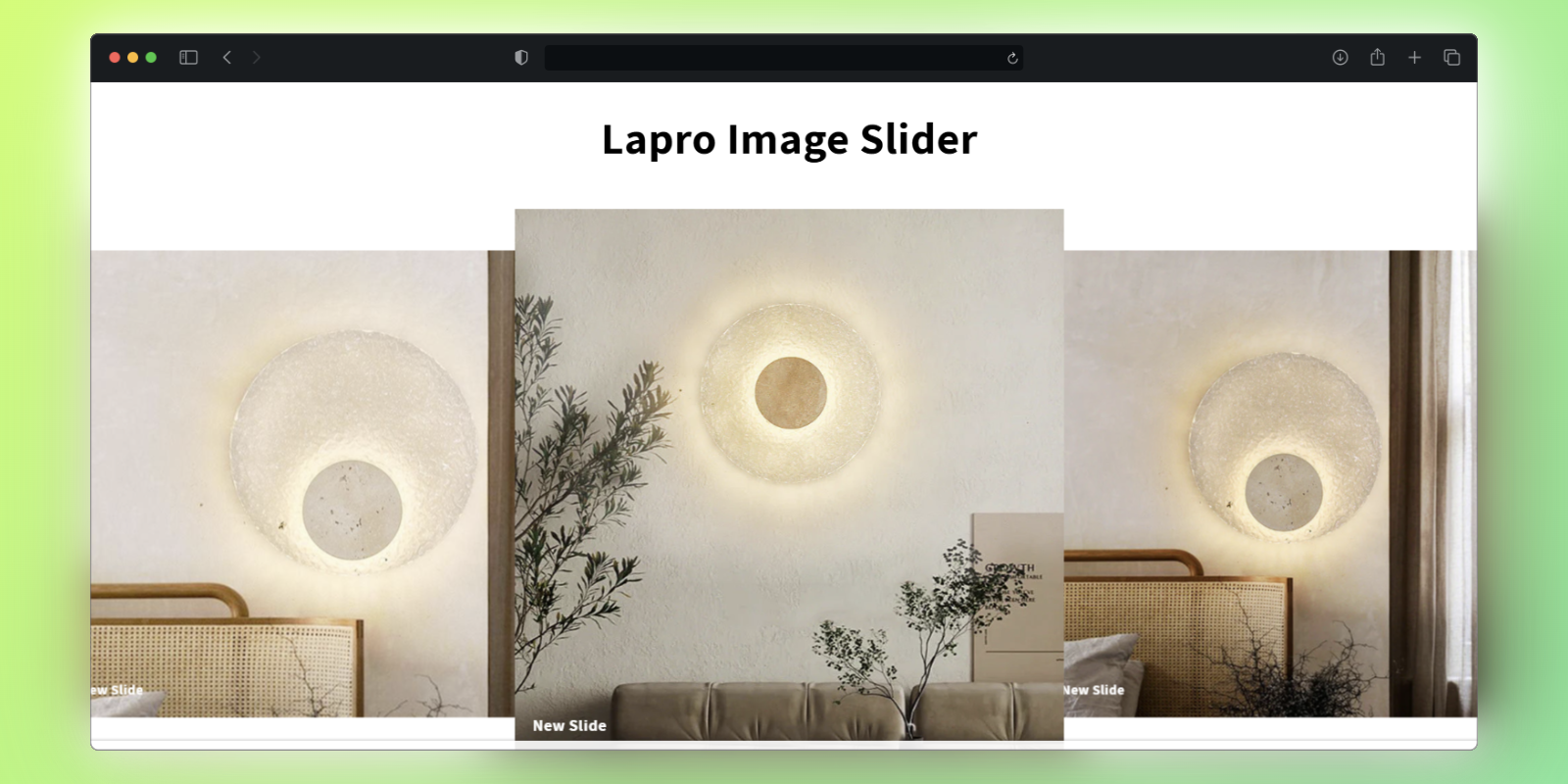
Image Slider
Orcai Image Slider is a no-code Shopify theme section designed to showcase your product images in an immersive sliding experience. This section helps improve sales conversion by allowing customers to view multiple product images with smooth transitions.
Features
- Smooth Transitions: Beautiful slide effects between images
- Multiple Images: Display as many product images as you need
- Auto-play Option: Automatically cycle through images
- Navigation Controls: Arrows and/or dots for manual navigation
- Full Customization: Adjust timing, effects, and styling
How to Add This Section
Install the Orcai App
- Click the “Add to Store Free” button on the Orcai app page.
- Log in to your Shopify account and connect your store with the Orcai app.
- After connecting, click Add and it will show as successfully added.
Add the Section to Your Primary Theme
- In your Shopify admin, go to Online Store > Themes.
- Select your primary theme and click Customize.
Add the Orcai Image Slider Section
- In the theme editor, click Add Section.
- Search for “Orcai Image Slider” and add it to your product template.
- Simply drag the section to your desired position on the page.
How to Customize
Access the Section Settings
- In the theme editor, click on the Orcai Image Slider section.
Customize the Section
- Update the images for your slider and adjust the slide order
- Configure slide transition effects and image display duration
- Set up navigation controls (arrows, dots)
- Customize fonts, colors, and spacing for any text overlays
Save Your Changes
- Click Save to update your live store with your new settings.
Key Benefits
- Visual Engagement - Immersive image experience keeps customers interested
- Improve Conversions - Multiple product views increase buyer confidence
- No coding required - Fully customizable through Shopify’s theme editor