Section Social Proof
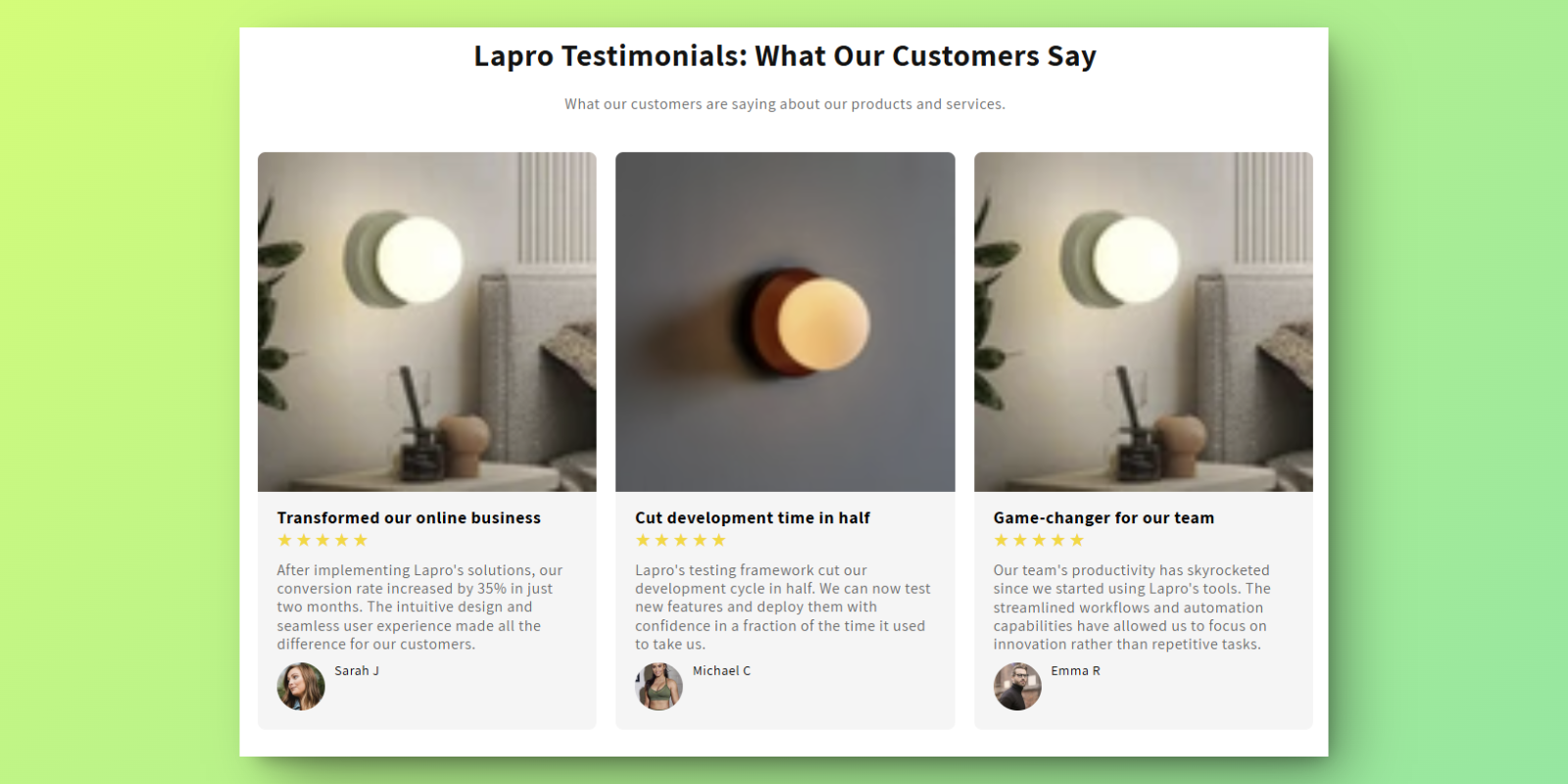
Testimonials
Orcai Testimonials is a no-code Shopify theme section designed to showcase customer testimonials in an elegant sliding format. This section helps build trust with potential customers by displaying real feedback from satisfied buyers.
Features
- Sliding Display: Smooth carousel animation to showcase multiple testimonials
- Author Details: Include author name, avatar, and review text
- Heading & Description: Customizable section heading and introduction
- Brand Matching: Adjust fonts, colors, and spacing to match your brand
How to Add This Section
Install the Orcai App
- Click the “Add to Store Free” button on the Orcai app page.
- Log in to your Shopify account and connect your store with the Orcai app.
- After connecting, click Add and it will show as successfully added.
Add the Section to Your Primary Theme
- In your Shopify admin, go to Online Store > Themes.
- Select your primary theme and click Customize.
Add the Orcai Testimonials Section
- In the theme editor, click Add Section.
- Search for “Orcai Testimonials” and add it to your product template.
- Drag the section to your desired position on the page.
How to Customize
Access the Section Settings
- In the theme editor, click on the Orcai Testimonials section.
Customize Your Testimonials
- Update the main heading and description text
- Add testimonial blocks with author name, avatar, and review text
- Configure slide transition effects and timing
- Adjust fonts, colors, and spacing to match your brand
Save Your Changes
- Click Save to update your live store.
Key Benefits
- Build Trust - Real testimonials increase customer confidence
- No coding required - Fully customizable through Shopify’s theme editor
- Mobile responsive - Looks great on all devices